Why photos look darker in print, and how to fix it
The most common print surprise has a simple cause. Here is why it happens and the small edits that prevent it.
By the Studio5 min read
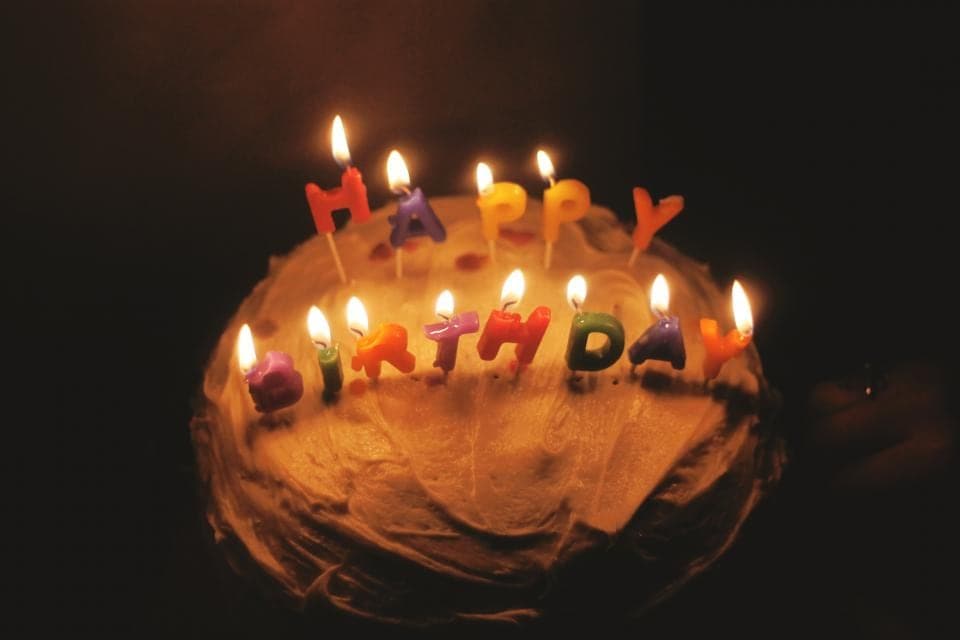
You open the box, turn to your favourite spread, and the photos look heavier than you remember. Shadows have closed up, the evening shots feel murky and someone's face has slipped into darkness. This is the most common surprise in printing, and it almost always comes from the screen, not the printer.
Why do my prints come out darker than my screen?
Screens glow. Paper only reflects the light in the room. A phone at full brightness shows shadow detail that paper physically cannot reproduce, so when you edit a photo on a bright screen, you tend to leave it darker than it should be. The print then shows the photo as it really is.
Which photos are most at risk?
Night shots, indoor photos under warm bulbs, backlit portraits and anything with large shadow areas. Festival photos lit by oil lamps and string lights are especially prone, because most of the frame is already dark and the detail you care about lives in the shadows.
How do I edit photos so they print well?
Lower your screen brightness to around half before editing. If a photo looks good at that brightness, it will look good on paper. Then make small, targeted changes rather than one big one:
- Lift the shadows slightly rather than raising overall brightness. Most editing apps have a shadows slider that does exactly this.
- Watch faces in dark scenes. Brighten the face, not the whole sky.
- Do not crush blacks to pure black unless you want a dramatic look. Leave a little detail in the darkest areas.
- Compare before and after. If the edit is obvious at a glance, it is probably too strong.
Does paper choice change how dark photos look?
Yes. Uncoated and matte papers absorb more ink and soften contrast, so dark photos can look slightly flatter. Silk papers hold deeper blacks and richer shadows. For a book full of night and festival photos, a silk finish shows them at their best. For daylight, landscapes and family photos, matte is gentle and easy to read in any light.
Will Soouvenir fix this for me?
Every file is checked by a person before it goes to print, and obvious problems are flagged before anything is printed. Still, the best results come from photos edited with paper in mind. A small lift in the shadows today saves a slightly disappointing page later.