Night and low light photography on a phone
Evening gatherings, lit stupas and city lights can look wonderful in print. How to get low light photos that are sharp, clean and true to the moment.
By the Studio6 min read
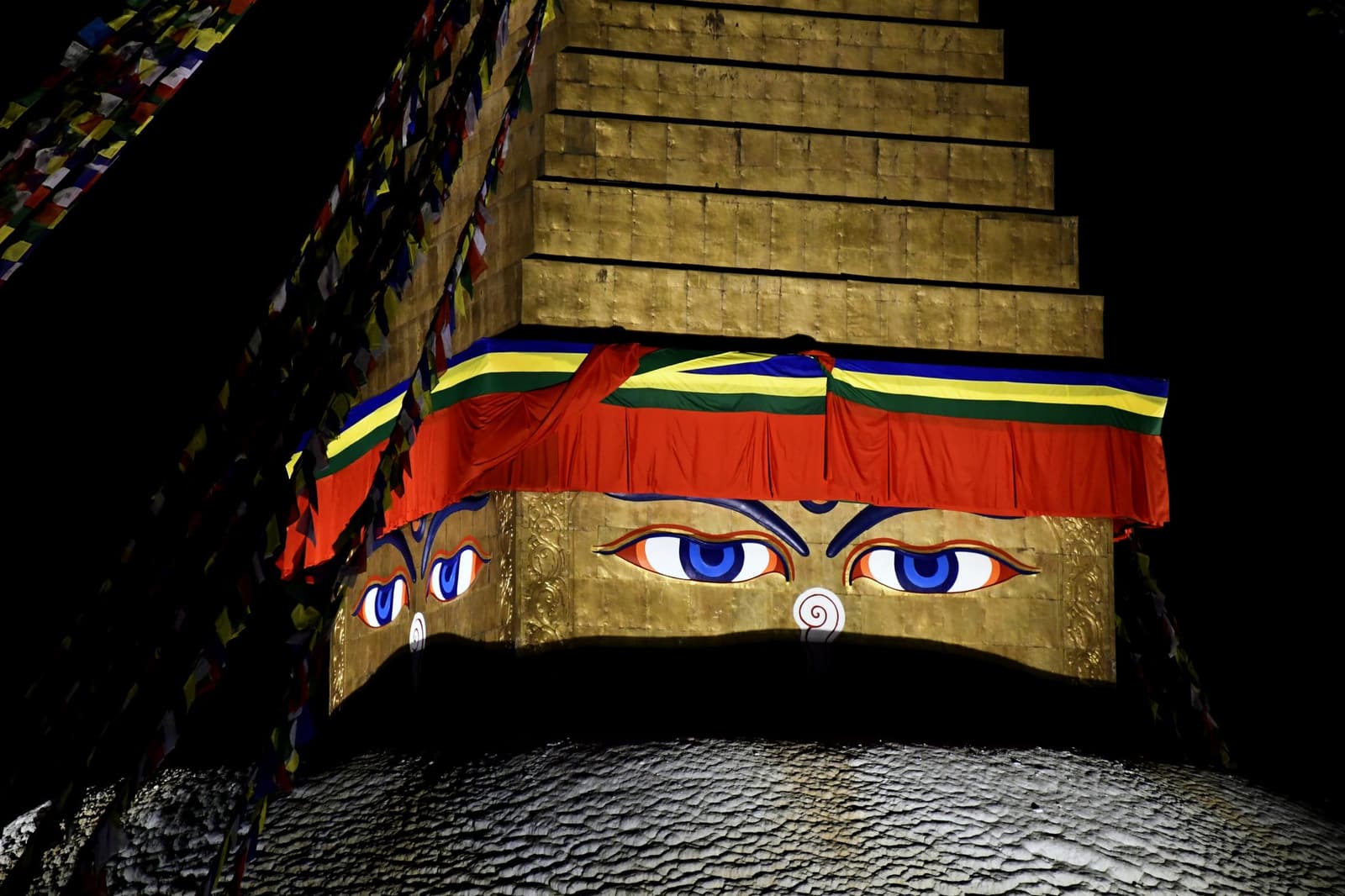
Some of the most memorable moments happen after dark: an evening kora around a lit stupa, dinner on a rooftop, a city glowing below a hill. Phones have become surprisingly good at night, but they still need a little help. These techniques give you photos that print with clean shadows and real atmosphere instead of grainy murk.
Why are my night photos blurry?
In low light, the camera keeps its shutter open longer to collect enough light. Any movement during that time becomes blur. The fix is stillness: brace the phone against a wall, a railing or a table, or use a small tripod. Hold your breath and press gently, or use the self timer so your finger does not shake the phone.
Should I use night mode?
For still scenes, yes. Night mode takes several exposures over a second or more and combines them into one cleaner image. It works beautifully on buildings, lamps, skylines and people who can hold still. For moving subjects, such as children, dancing or traffic, night mode can smear them; switch it off and accept a little more grain for a sharper moment.
Why do my night photos look grainy?
Grain, or noise, appears when the camera boosts sensitivity to brighten a dark scene. Some is unavoidable. Reduce it by finding more light: stand closer to lamps, windows or illuminated walls, and photograph during blue hour, the short window just after sunset when the sky still holds some light. In print, a little grain often looks natural and film like; heavy noise reduction that smears faces usually looks worse.
Keep the darkness dark
Phones love to brighten night scenes until they look like dull daytime. That rarely feels right. Tap on the brightest part of the scene, such as a lit building or a flame, and slide exposure down. Letting the shadows stay dark preserves the mood and keeps lights from burning out.
Photographing people at night
Use the light that is already there. Position faces toward a lit window, a shop front or a lamp. Avoid the built in flash where you can; it flattens faces and turns backgrounds black. If you must use extra light, a second phone's torch bounced off a wall gives a softer result than pointing it straight at someone.
Printing night photos
Night photos are the most likely to print darker than you expect, because screens make shadows look brighter than paper can. Before you add them to a book, lower your screen brightness and lift the shadows slightly. A silk paper finish holds deep blacks well and suits a chapter of evening photos beautifully.