Phone photography tips for photos you will actually print
Your phone is a remarkable camera. These habits make the difference between photos you scroll past and photos that earn a full page.
By the Studio7 min read
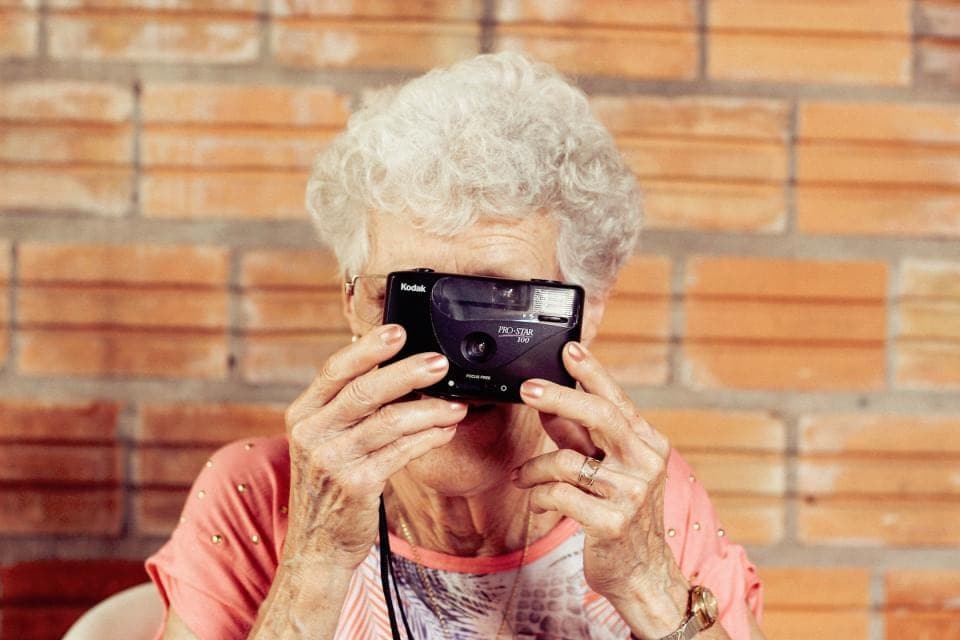
The camera in your pocket is better than most cameras that existed a generation ago. Yet many phone photos that look fine on a small screen fall apart on a printed page. The reason is rarely the phone. It is a handful of small habits, and each one is easy to change.
Should I use the zoom on my phone?
Only the optical lenses. Many phones have two or three real lenses, often labelled 0.5x, 1x and 2x or 3x. Those are sharp. Anything between or beyond them is digital zoom, which crops the image and invents detail. It looks acceptable on a phone and soft in print. Walk closer instead, or switch to the nearest real lens and crop gently later.
Clean the lens
It sounds too simple to matter, and it matters enormously. Phones live in pockets and hands, and a thin film of skin oil turns every bright light into a hazy glow. Wipe the lens with a soft cloth or the inside of a cotton shirt before anything important. You will see the difference immediately.
How do I get sharper photos on a phone?
Most blur in phone photos is not focus, it is movement. Hold the phone with both hands, tuck your elbows in, and press the shutter gently. In low light, lean on a wall or a railing. Tap on your subject to set focus, and if the phone offers a burst or a short delay, use it for moments that matter. The sharpest photo of a group is often the second or third frame.
Find the light before you find the picture
Light shapes a photo more than anything else. Soft light, such as early morning, late afternoon, open shade and cloudy days, is kind to faces and prints with gentle detail. Harsh midday sun creates deep shadows under eyes and blown out skies. If you can, turn people so the light falls on their faces, or move them into the shade of a tree or a doorway.
Use exposure, not filters
Tap your subject, then slide your finger up or down to adjust brightness before you take the photo. Slightly darker is safer than slightly brighter: shadows can be lifted later, but burnt out white skies cannot be recovered. Leave strong filters for later, if at all. They lock in a look you may not want on paper.
Should I shoot in HEIC, JPEG or RAW?
For most people, the default format is right. HEIC and JPEG both print beautifully at full size. RAW files hold more information for editing, but they are large and need processing. If you enjoy editing and have the storage, RAW is worth trying for landscapes and night scenes.
Think in pages, not posts
Social media favours single striking frames. Books favour sequences: a wide shot that sets the scene, a medium shot of people, a close detail of hands, food or texture. When something matters, take all three. The details are what make a printed story feel lived in, and they are the photos people forget to take.
Take fewer, better photos
Burst mode and endless takes create thousands of near identical photos that are exhausting to sort later. Slow down for a moment: move, recompose, wait for someone to laugh. Ten considered photos are easier to build a book from than two hundred hurried ones.
A short checklist
- Clean the lens.
- Use the real lenses, not digital zoom.
- Hold steady with both hands.
- Find soft light and turn faces toward it.
- Expose for the bright areas, lift shadows later.
- Capture a wide, a medium and a detail for every moment that matters.